Tutorial creator
A step-by-step video needs a concise summary, materials list, and accurate chapter markers.
Keep unverified timestamps out of the draft until the finished upload provides the correct times.
publer draftsYouTube workflow
Start with a video idea and turn it into a description draft and promotion checklist. Publer can help organize the work; check your final text and publishing options before anything goes live.
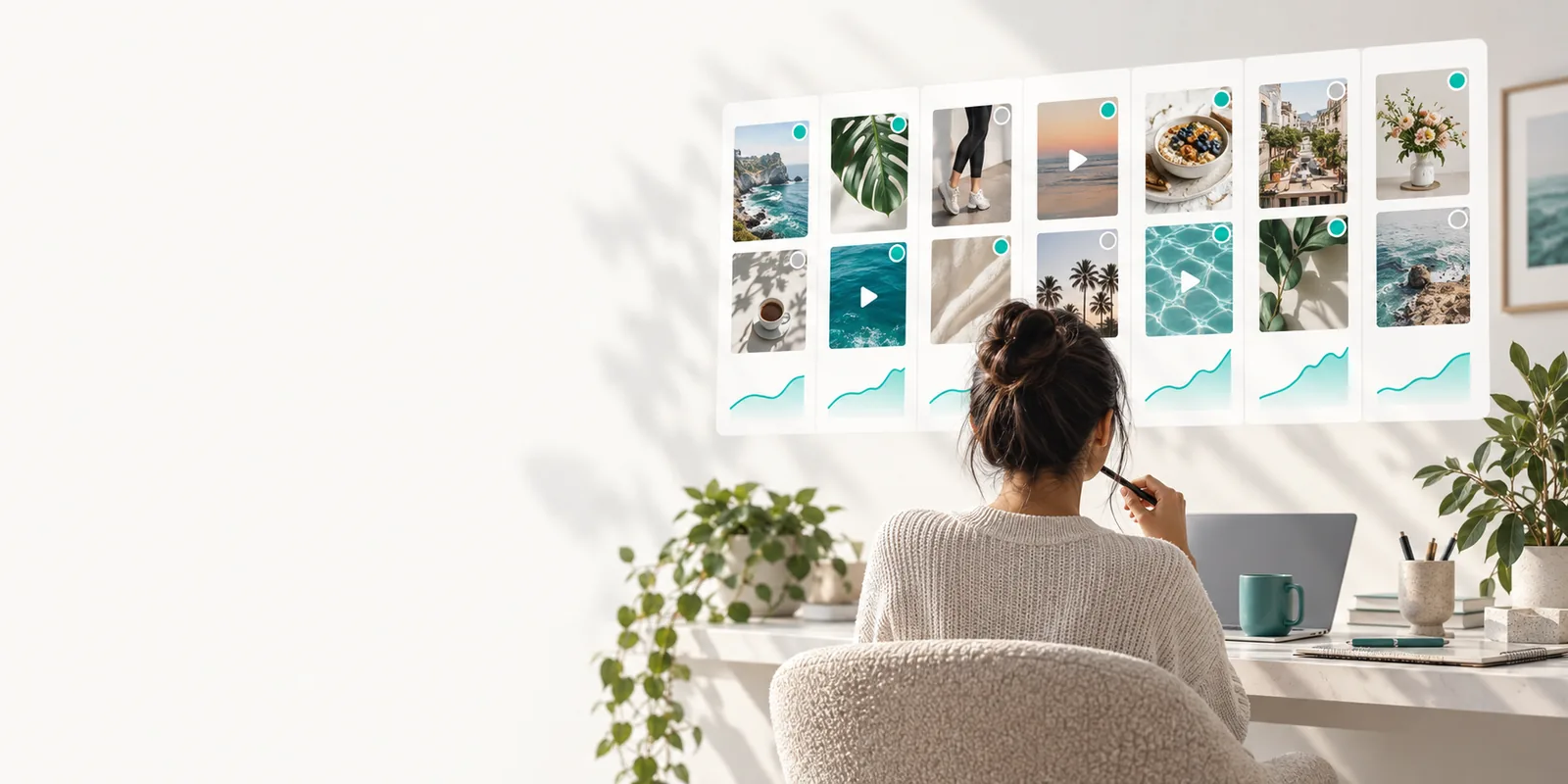
Finishing the edit is only part of publishing. A YouTube upload still needs clear supporting text, and sharing it elsewhere calls for a different message.
Treat Publer as a place to prepare and review copy, not as a substitute for checking what the YouTube upload screen actually requires.
Write a working description with the video's promise in the opening lines. Add any relevant chapters, source acknowledgments, and a placeholder for a link only if you have those details; do not invent timestamps or sources.
Create a separate, shorter post for the places where you will share the video. Lead with a useful takeaway rather than pasting the full YouTube description, then add the verified video URL after the upload is public.
Check spelling, claims, links, and the intended destination for each piece of copy. Confirm the publishing method and any free access limits in the tool you use, then publish only the version you approve.
A reusable draft saves rewriting, but each creator still needs to choose what belongs in the description and what belongs in a promotion post.
A step-by-step video needs a concise summary, materials list, and accurate chapter markers.
Keep unverified timestamps out of the draft until the finished upload provides the correct times.
publer draftsA product demonstration needs one factual YouTube description and a shorter social announcement.
Review product claims once, then tailor the wording for each destination instead of duplicating it.
publer media libraryAn event recap has speakers and contributors who may need credit in the video description.
Collect names and approved links before preparing the final copy.
how to use publerA review video may prompt questions after publication as well as comments on its announcement.
Prepare a neutral summary and handle audience responses in the channel where each appears.
publer commentsImagine a houseplant tutorial. The rough note says only “repot a plant”; the useful draft explains who the video is for and leaves unknown details visibly unfinished.
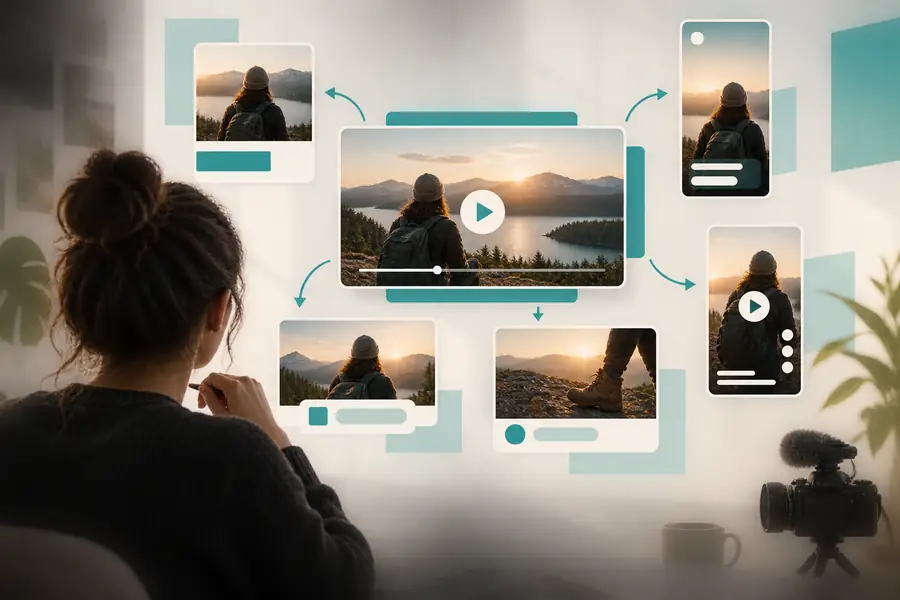 One broad post idea
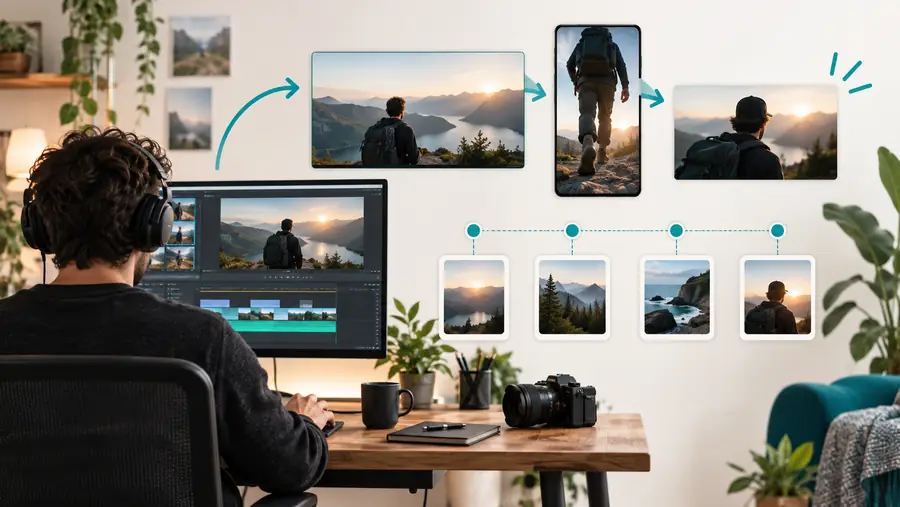 YouTube-focused draft
A free drafting workflow does not remove the need to follow YouTube rules or verify what Publer can do for your channel. Separate writing help from actual upload controls.
Main purpose
YouTube upload description
Explain what viewers will find in the video.
Social promotion post
Give people a reason to open the video.
Opening
YouTube upload description
State the topic plainly and match the finished footage.
Social promotion post
Highlight one useful takeaway without overstating it.
Link
YouTube upload description
Include only relevant, checked destinations.
Social promotion post
Use the verified video URL after it is available.
Chapters
YouTube upload description
Add timestamps only when they match the uploaded video.
Social promotion post
Usually omit detailed chapter markers.
Credits and disclosures
YouTube upload description
Include required attributions and applicable disclosures.
Social promotion post
Carry over disclosures when the promotion needs them.
Final check
YouTube upload description
Review against YouTube's current requirements in the upload flow.
Social promotion post
Review against the destination's rules and the post preview.
Use a free starting point to draft the YouTube description and its accompanying announcement. Compare both with the finished video, confirm your links and disclosures, and use the publishing route that is actually available to you.
Draft video copyYou can use a free drafting workflow to prepare text for a video and its promotion. Check Publer's current access terms for the specific features you intend to use; drafting text does not establish that YouTube publishing is included.
Do not assume that it will. Preparing a description or announcement is different from uploading a video, so confirm the available channel controls and complete any required steps in YouTube's upload flow.
Start with an accurate summary of the finished video and a short announcement for sharing it. Leave timestamps, source credits, and the public video URL as placeholders until you can verify them.
You can reuse verified facts, but a full YouTube description may be too long or poorly suited to another destination. Write a shorter introduction for each post, preserve any necessary disclosures, and check its links before publishing.