Solo creator
Batch several ideas during one planning session, attach the correct media, and keep unfinished posts in a draft state.
You spend less time switching tasks and more time refining the message before it reaches your audience.
publer draftsPractical tutorial
This guide to how to use Publer walks through setup, drafting, scheduling, review, and improvement without turning your social workflow into a maze.

Before you begin
A few decisions and source materials make the first Publer session much easier to manage.
Core workflow
Follow this sequence whenever you need to turn an idea into an organized social media publishing plan.
Start with the social profiles relevant to your work. Keep the initial setup focused so your first workflow is easy to check from beginning to end.
Write the post, add the right media, select the destination channels, and save unfinished work as a draft when the message needs another review.
Choose a publishing time, check the final preview for each channel, then return to performance information to improve the next batch of posts.
Workflow checkpoints
These four checkpoints prevent the small mistakes that often interrupt a social media publishing workflow.
Quality control
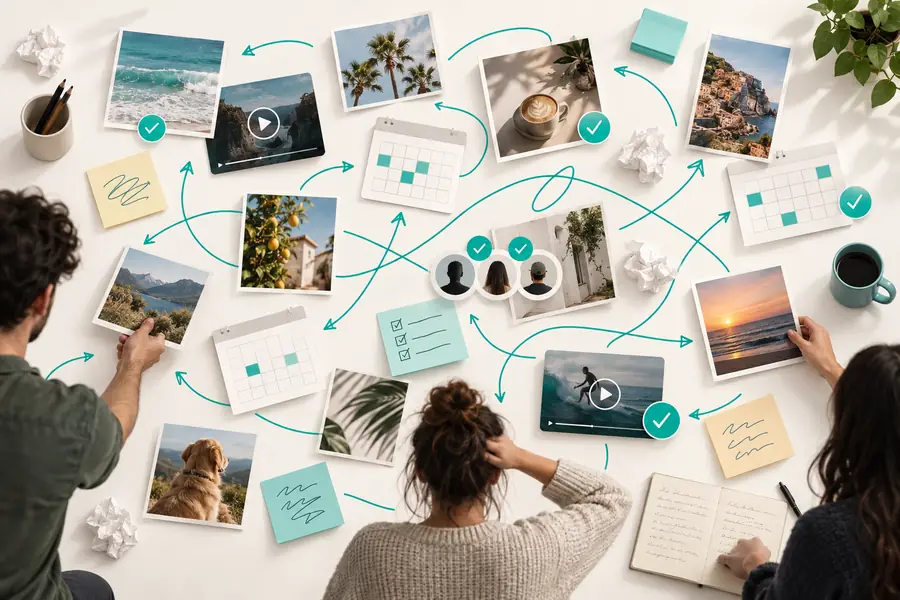
Compare an unstructured posting session with a repeatable Publer workflow before you build a larger content queue.
 Before: reactive posting
 After: planned publishing
Decision guide
Use this side-by-side check when deciding whether to publish immediately or hold a post for a more deliberate review.
Best for
Publish immediately
Time-sensitive updates or live announcements
Prepare and schedule
Planned campaigns and recurring content
Writing process
Publish immediately
Compose and approve in one sitting
Prepare and schedule
Draft, revise, and review before release
Media review
Publish immediately
Quick check against the current channel
Prepare and schedule
Check every selected channel before scheduling
Timing
Publish immediately
Publish as soon as the message is ready
Prepare and schedule
Choose a time that fits the content plan
Consistency
Publish immediately
Depends on remembering each posting task
Prepare and schedule
Uses a repeatable queue or calendar habit
Improvement loop
Publish immediately
Often ends after publishing
Prepare and schedule
Returns to results and applies the lesson
Practical applications
Different teams can use the same Publer workflow while changing the content, review rules, and publishing rhythm.
Batch several ideas during one planning session, attach the correct media, and keep unfinished posts in a draft state.
You spend less time switching tasks and more time refining the message before it reaches your audience.
publer draftsPrepare a week of educational, promotional, and community posts instead of writing every update at the last minute.
Your social presence becomes easier to maintain while each post still receives a deliberate final check.
publer examples freeOrganize channel-specific copy, reuse approved media, and review comments or engagement after publishing.
The team can keep conversations active without losing track of which posts need a response.
publer commentsPlan titles, descriptions, thumbnails, and supporting social posts around a new video release.
The launch has a clearer sequence across channels instead of a single isolated announcement.
free Publer for YouTubePut it into practice
The easiest way to learn Publer is to use one real content batch. Start with a small set of posts, check every destination before scheduling, and note what you would change next time.
Plan my content workflowTutorial FAQ
Answers to common questions people ask when learning how to use Publer for everyday social media work.
Begin by connecting the social channels you want to manage and preparing a small piece of content. Create the post, add its media, check the channel preview, and either publish it or save it as a draft for later review.
The basic workflow is to connect channels, create or upload content, choose where it should appear, review the final version, and schedule or publish it. Afterward, return to the results so the next post can be more focused.
Yes, saving unfinished work as a draft is useful when copy, media, timing, or approval is not final. Treat the draft as the next action in your workflow rather than as a forgotten content pile.
Check the destination channel, spelling, links, media, audience, and publishing time before confirming the schedule. A short preview review is especially important when one post is being adapted for more than one channel.
Record what happened while the context is still fresh, then review engagement or audience response when the post has had time to circulate. Use that observation to adjust your next topic, format, timing, or call to action.