Solo creator
A caption is written, but the photograph is still being selected.
Keep the wording available while choosing a suitable asset. The publer media library guide covers that preparation.
publer media libraryContent workflow
Use publer drafts when an idea needs more work before publication. Write a first version, check its destination and media, then make a deliberate choice to keep editing or move it forward.
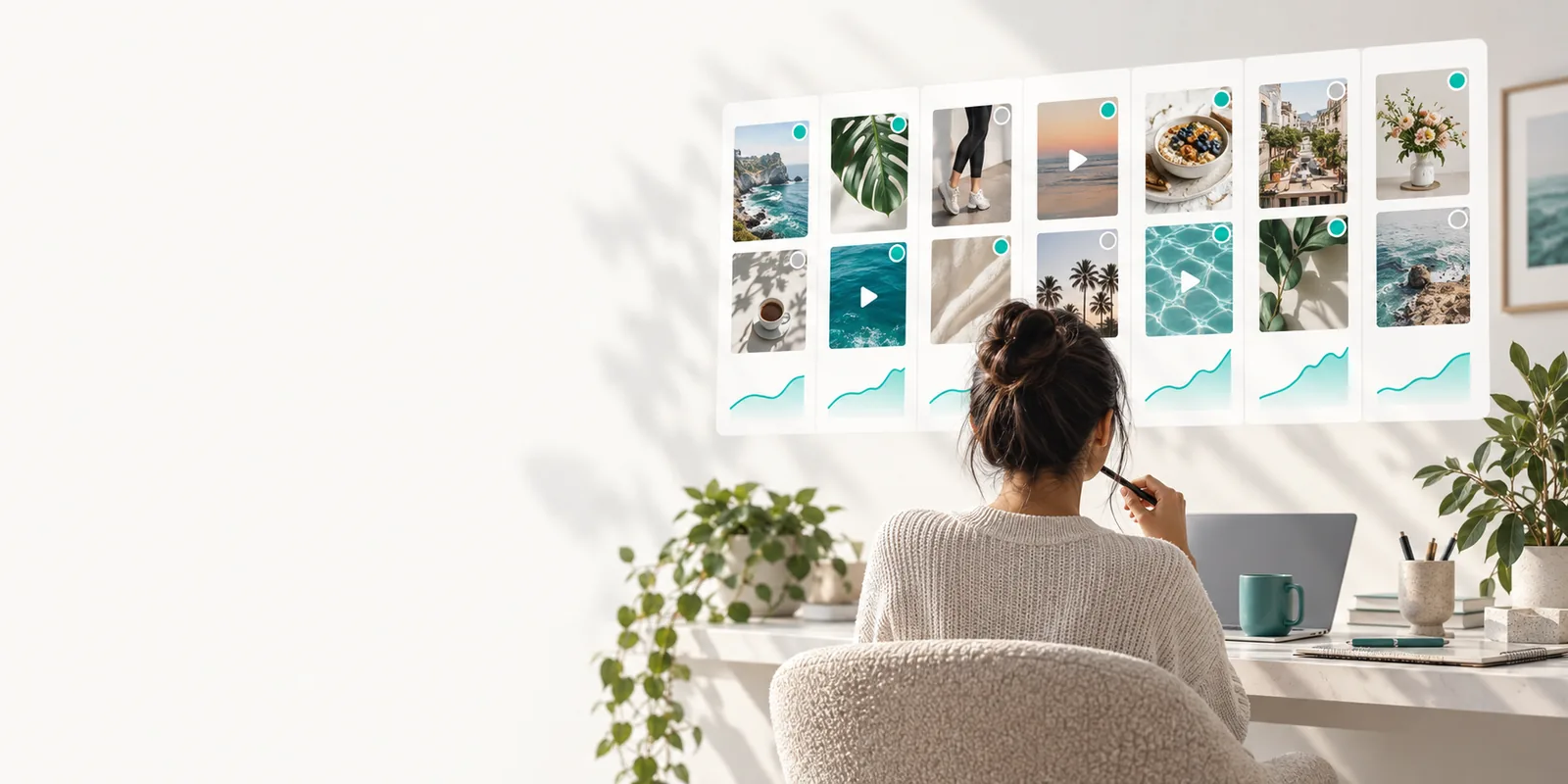
Start with a message, an intended channel and any media the post needs. These related guides help you prepare the pieces before deciding what to publish.
A saved post is most useful when its unfinished parts are easy to recognize. Different creators can use that pause for different kinds of review.
A caption is written, but the photograph is still being selected.
Keep the wording available while choosing a suitable asset. The publer media library guide covers that preparation.
publer media libraryAn event announcement has a confirmed topic but an unconfirmed date.
Leave the date visibly marked for verification rather than sharing a guess. The free publer hashtag generator guide can help with later caption research.
free publer hashtag generatorA question-led post needs a response plan before it goes live.
Review the wording and consider who will handle replies. The publer comments guide explains that separate stage.
publer commentsA product update is awaiting an approved image and final wording.
Keep a working version separate from publish-ready content. Use the publer media library guide to plan the asset side.
publer media libraryFor example, imagine preparing a workshop announcement while its date is still being confirmed.
Draft the audience-facing message, name the intended channel and put a clear placeholder where the date belongs. A placeholder is safer than a plausible-looking detail that someone may mistake for final copy.
Keep the post as a draft rather than choosing a publication time. Reopen it to check that the text, channel selection and any attached media still match the announcement you intend to make.
Replace the placeholder with the confirmed date, proofread the call to action and check the preview for the destination channel. Only then decide whether to schedule the post or publish it.
The practical distinction is whether the post is still being prepared or has been assigned a publishing action.
Purpose
Saved draft
Hold unfinished or unapproved content.
Scheduled post
Prepare approved content for a chosen publication time.
Publication time
Saved draft
No publication time is required for the working copy.
Scheduled post
A publication time has been selected.
Incomplete details
Saved draft
May contain clearly marked placeholders for later review.
Scheduled post
Should contain verified, final details.
Text review
Saved draft
Revisit the caption and correct it before moving forward.
Scheduled post
Review the final caption before its scheduled release.
Media check
Saved draft
Use the pause to choose or replace a suitable asset.
Scheduled post
Confirm the intended asset is attached and displays correctly.
Next decision
Saved draft
Continue editing, or choose a publishing action when ready.
Scheduled post
Monitor the planned release and revise it if plans change.
Saving a draft creates room to review; it does not make an unfinished post accurate or ready for every channel.
Dates, names, links and claims can still be wrong even when the post is safely held for editing.
Workaround
Mark uncertain details explicitly and confirm them with the source before scheduling.
Leaving copy in a draft does not assign it a time or ensure it will appear on a social channel.
Workaround
After approval, choose the intended channel and publishing action, then check the resulting status.
Length, media shape and audience expectations can differ between channels.
Workaround
Preview each destination and revise the copy or asset before publishing.
A working version may still need another person's review, even if it reads well to its author.
Workaround
Agree on an approval process outside the draft itself and record which version was cleared.
Start with a concrete message and keep uncertain details visible. Review the finished wording and media before you make any publishing decision.
Draft a postThese questions focus on what a saved working post does and what still requires your attention.
They let you keep a social post in progress without treating its current wording as ready to publish. Use that pause to check details, refine the caption and decide what should happen next.
A draft and a publishing action are different steps. Check the post's status and destination before assuming anything has been scheduled or made public.
The point of a draft is to return to working copy before publication. Reopen the post, make your changes and verify that the latest version has been saved.
Either order can work if you review the complete post before moving it forward. If the asset is not final, leave yourself a clear reminder to replace or verify it.
Do so when the message, destination, media and publication time are all confirmed. Give the final preview one more check, especially if the draft contained placeholders.